Kiss + Impress / Digital content system
Product stories.
Built to work as a system.
I translated recurring product and campaign content into reusable Figma templates—giving each message a clear role, each brand its own voice, and the next designer a more structured starting point.
My role
Strategy
- Product storytelling
- Mobile content hierarchy
- Cross-channel consistency
Design
- Brand-specific art direction
- PDP infographic templates
- DTC campaign layouts
Systems
- Figma component libraries
- Editable content modules
- Naming and usage guidance
Developed with internal photography and copy teams at Kiss Beauty Group.
01 / Finished work — KISS
Make the product story easy to follow.
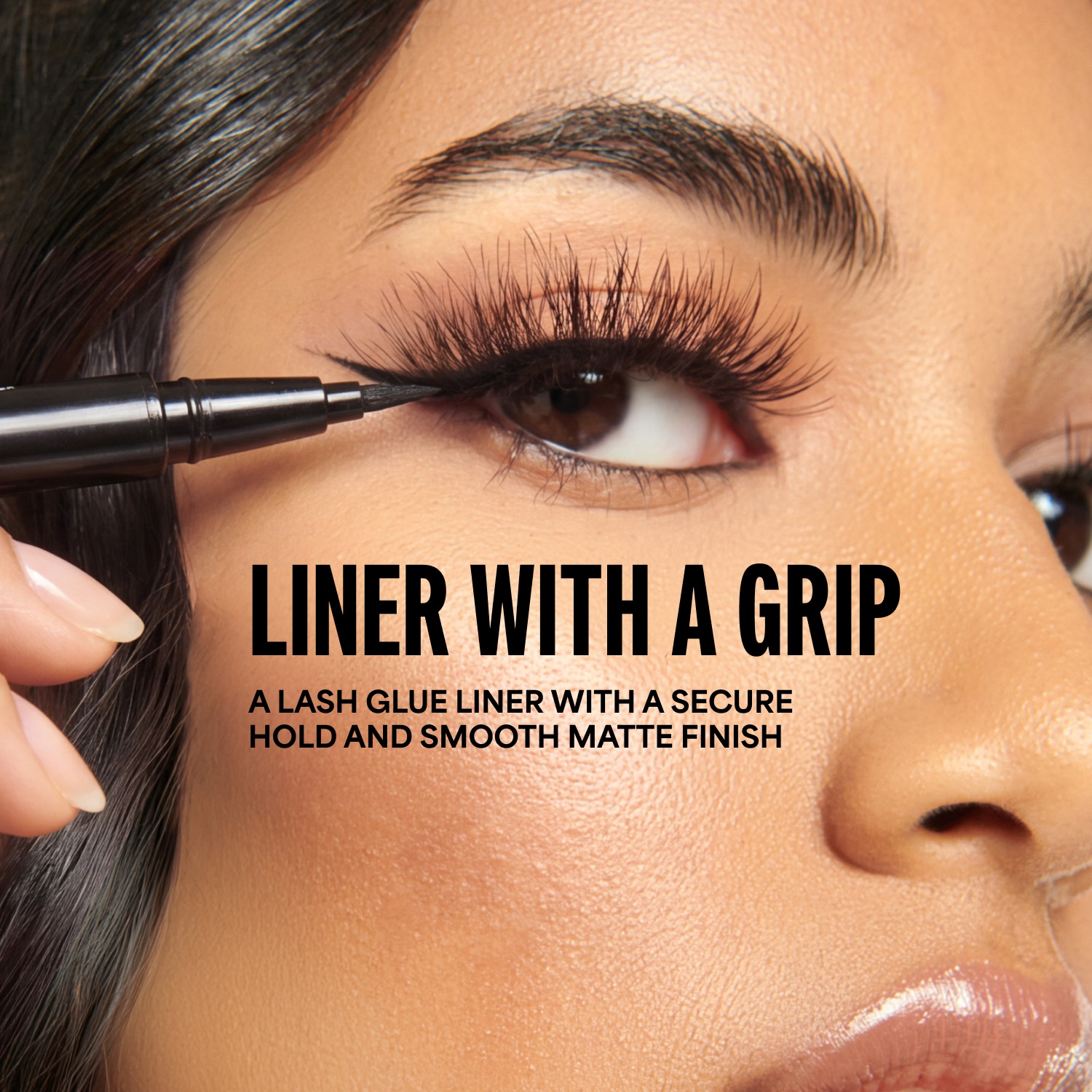
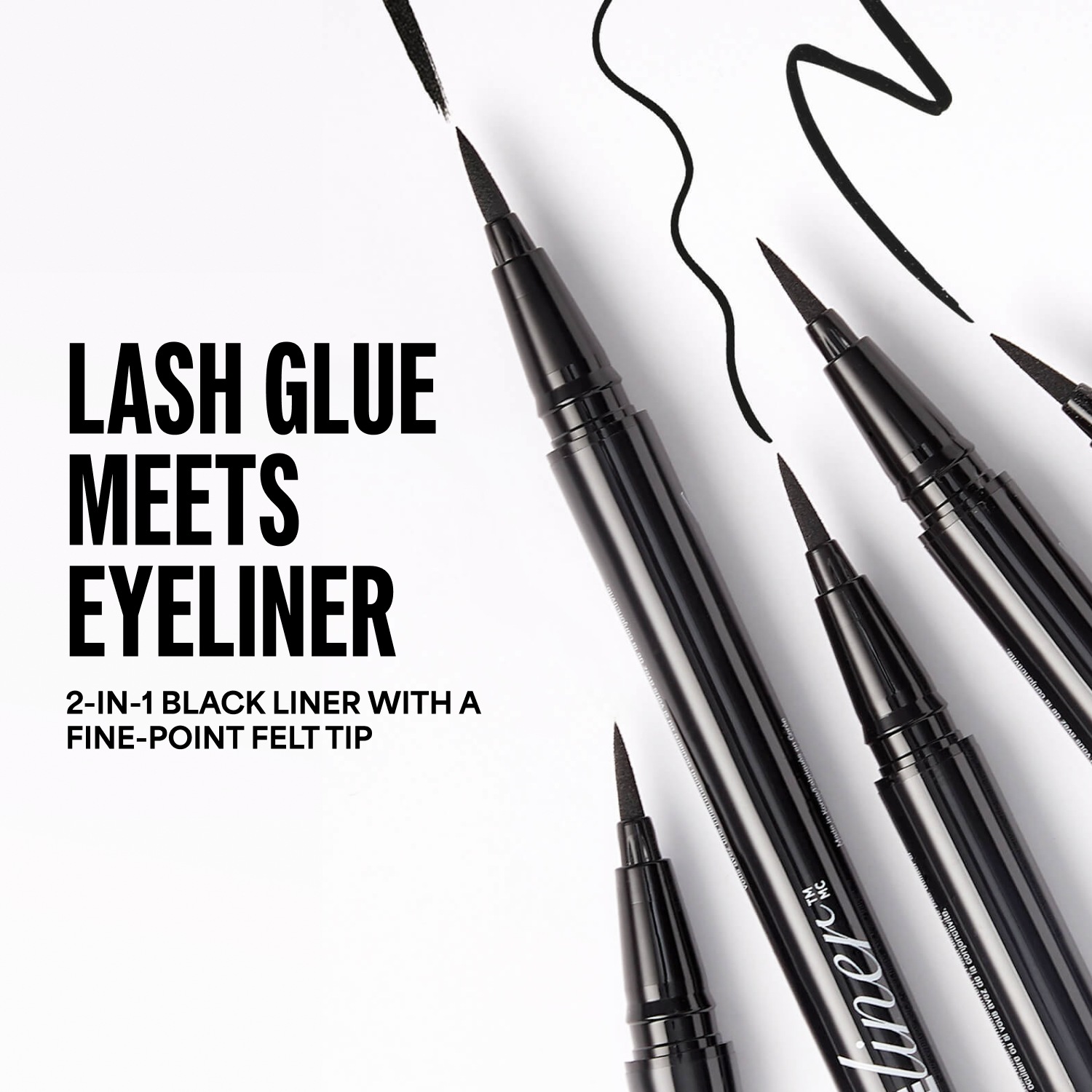
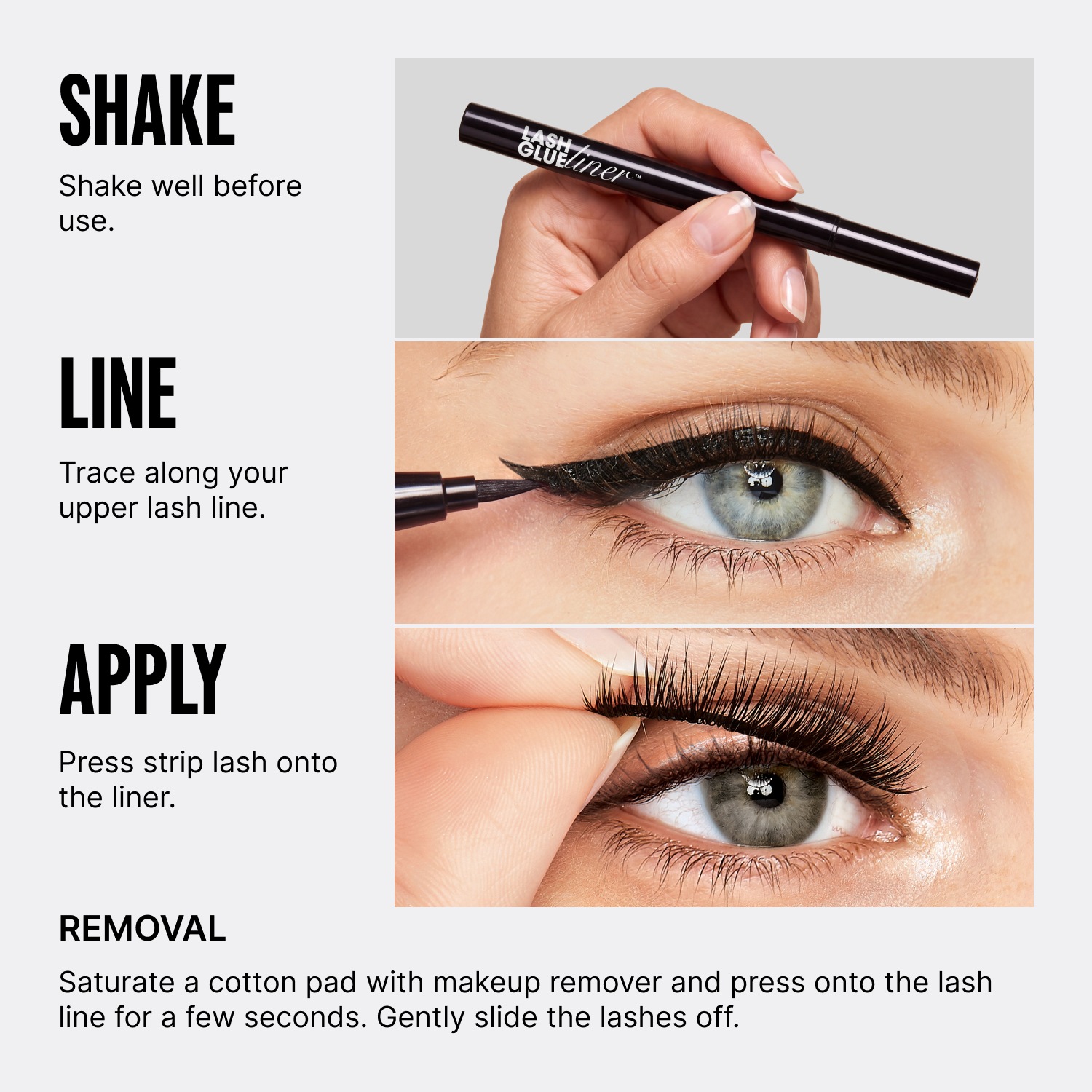
The earlier graphics carried too much copy for a small screen. For Glue Liner, I focused each slide on one job: introduce the benefit, explain what makes the product different, then show how to use it. The finished set is the starting point for the system.
02 / Content decisions
A consistent structure.
Room for every product’s story.
I start with what a shopper needs to understand—not how many claims will fit on a slide. The sequence gives each message a purpose, then adapts to the product and channel.
Why should I care?
A clear promise and an image that makes the result tangible.
What makes it different?
One focused explanation of the product’s useful difference.
How does it work?
Short actions paired with visual instructions.
What comes next?
A clear next step in the email or campaign placement.
03 / The working library
From finished slides to reusable building blocks.
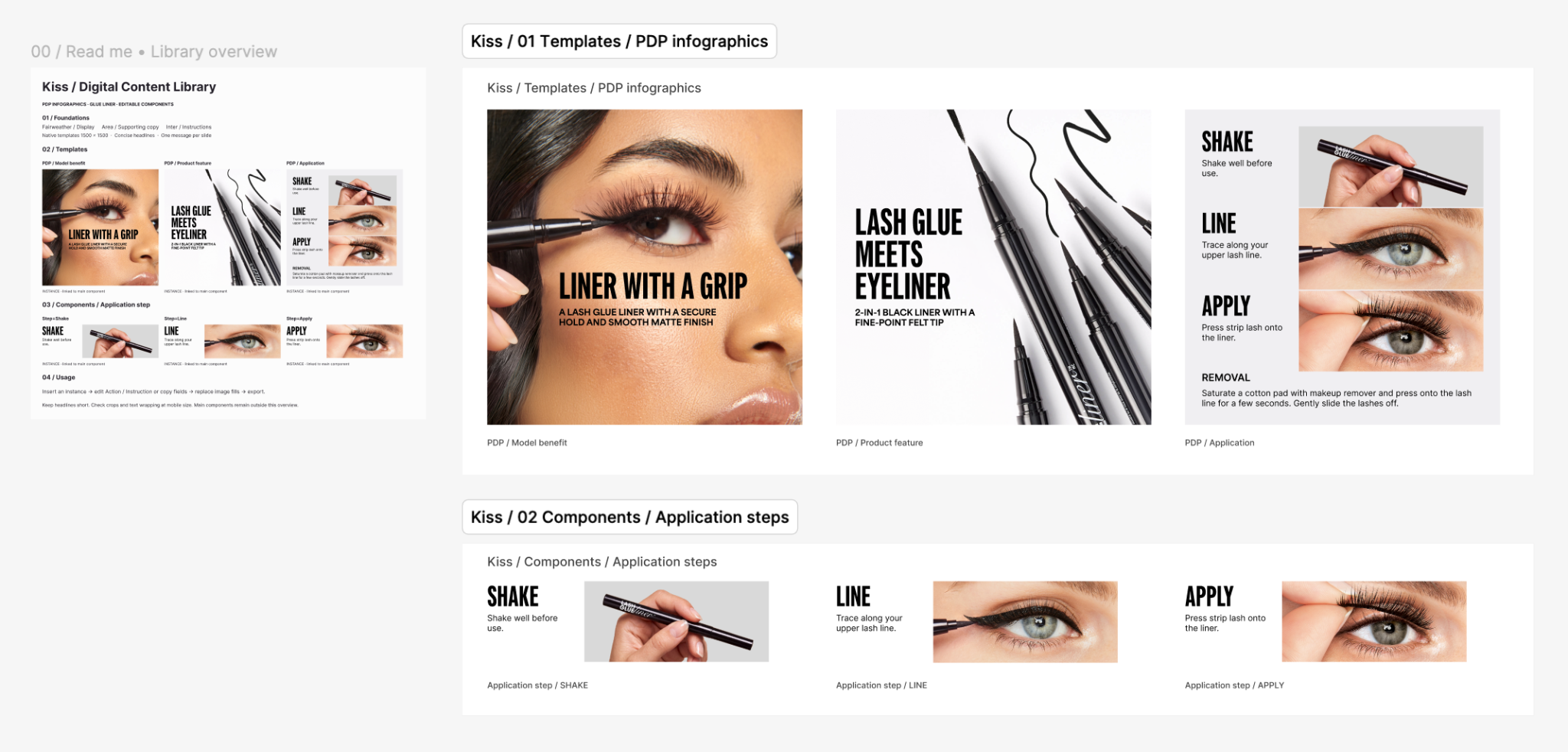
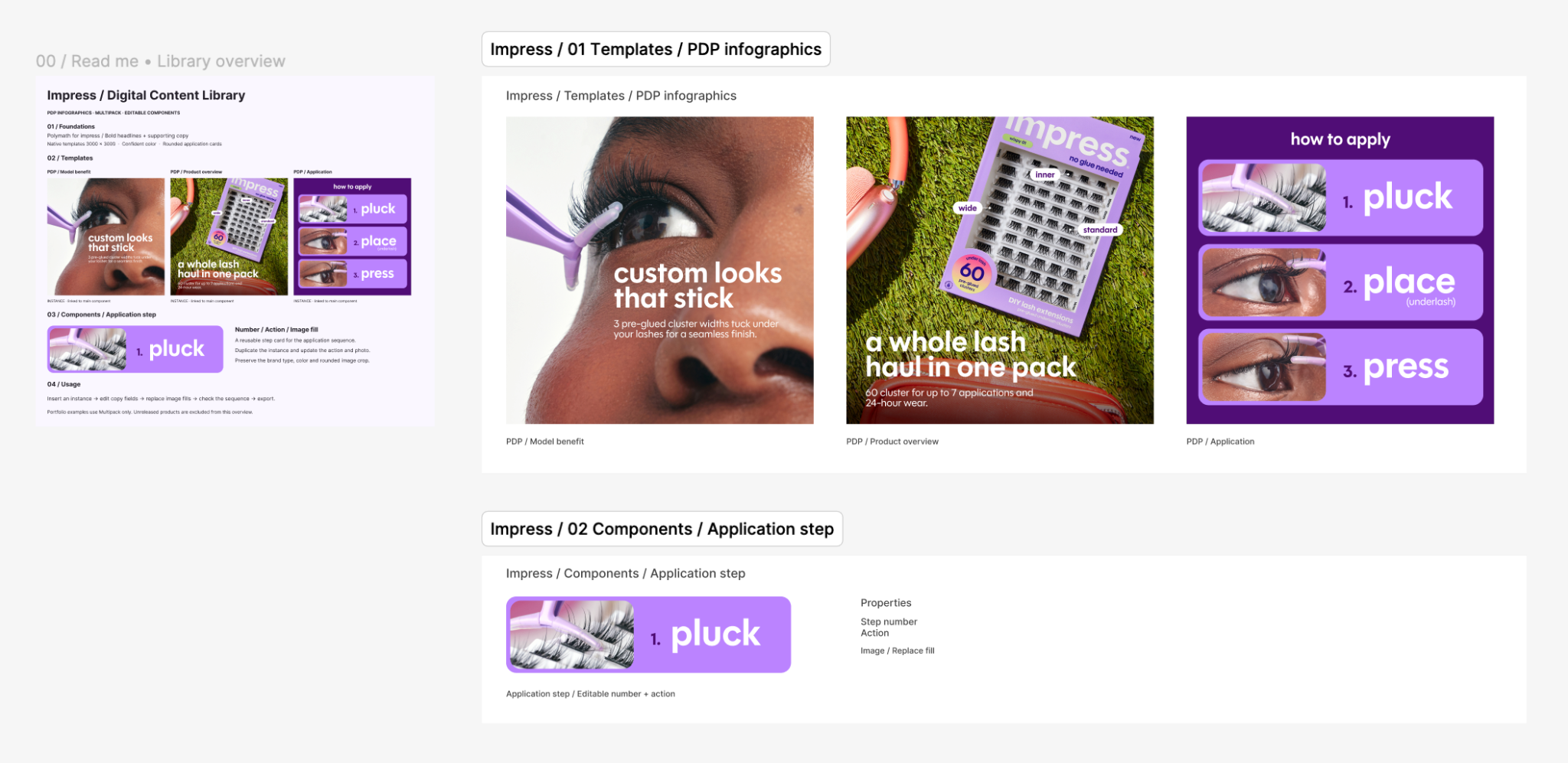
I had been copying the previous batch and replacing its copy and images. I formalized those recurring layouts into named Figma templates, reusable application-step components and linked instances. The library makes the intended structure explicit, while copy and imagery remain editable.
04 / A distinct brand voice
One product. A clear sequence.
The same content logic takes a different visual form for imPRESS: expressive photography, rounded typography and a brighter palette. I organized the Multipack set into reusable templates while retaining its brand-specific treatment.
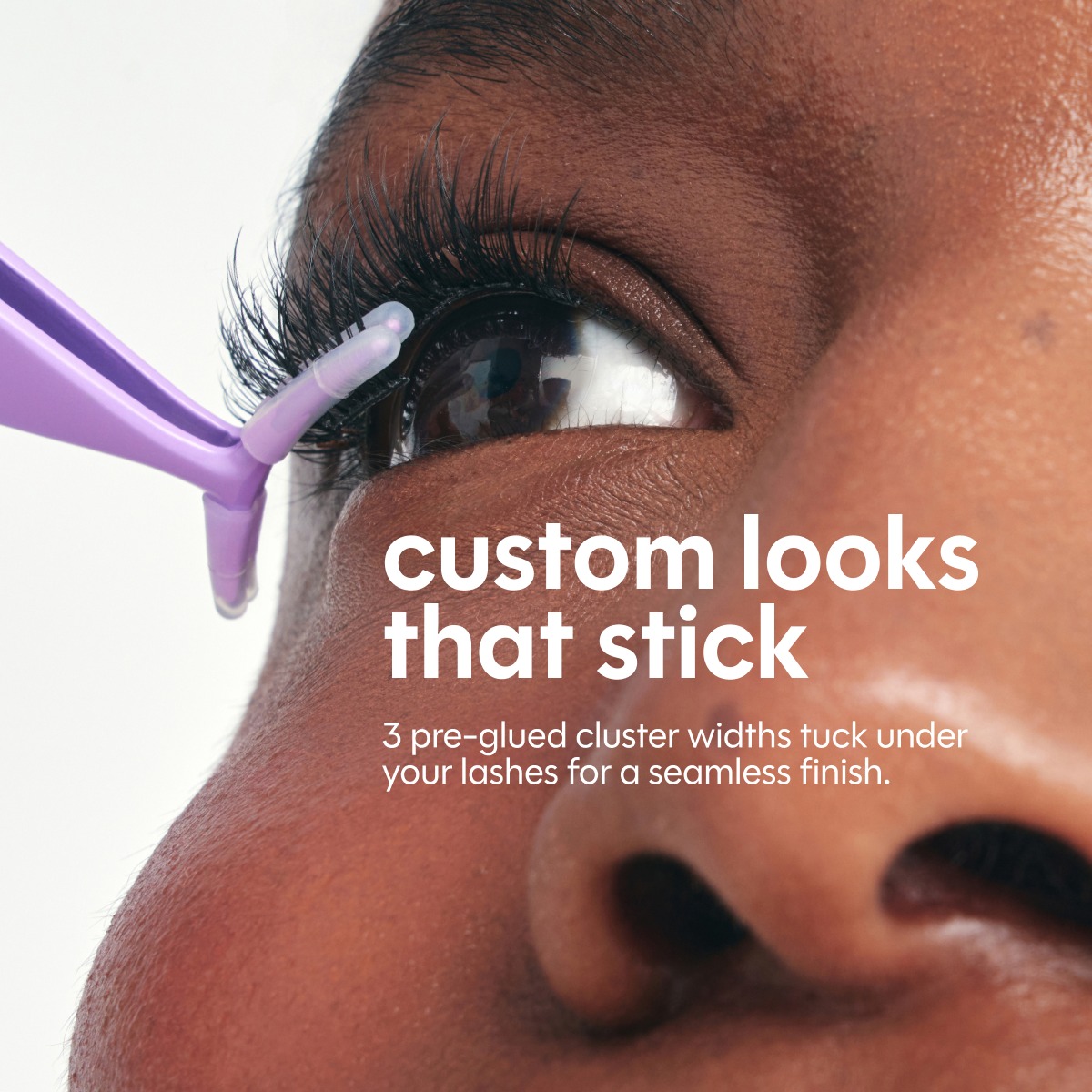
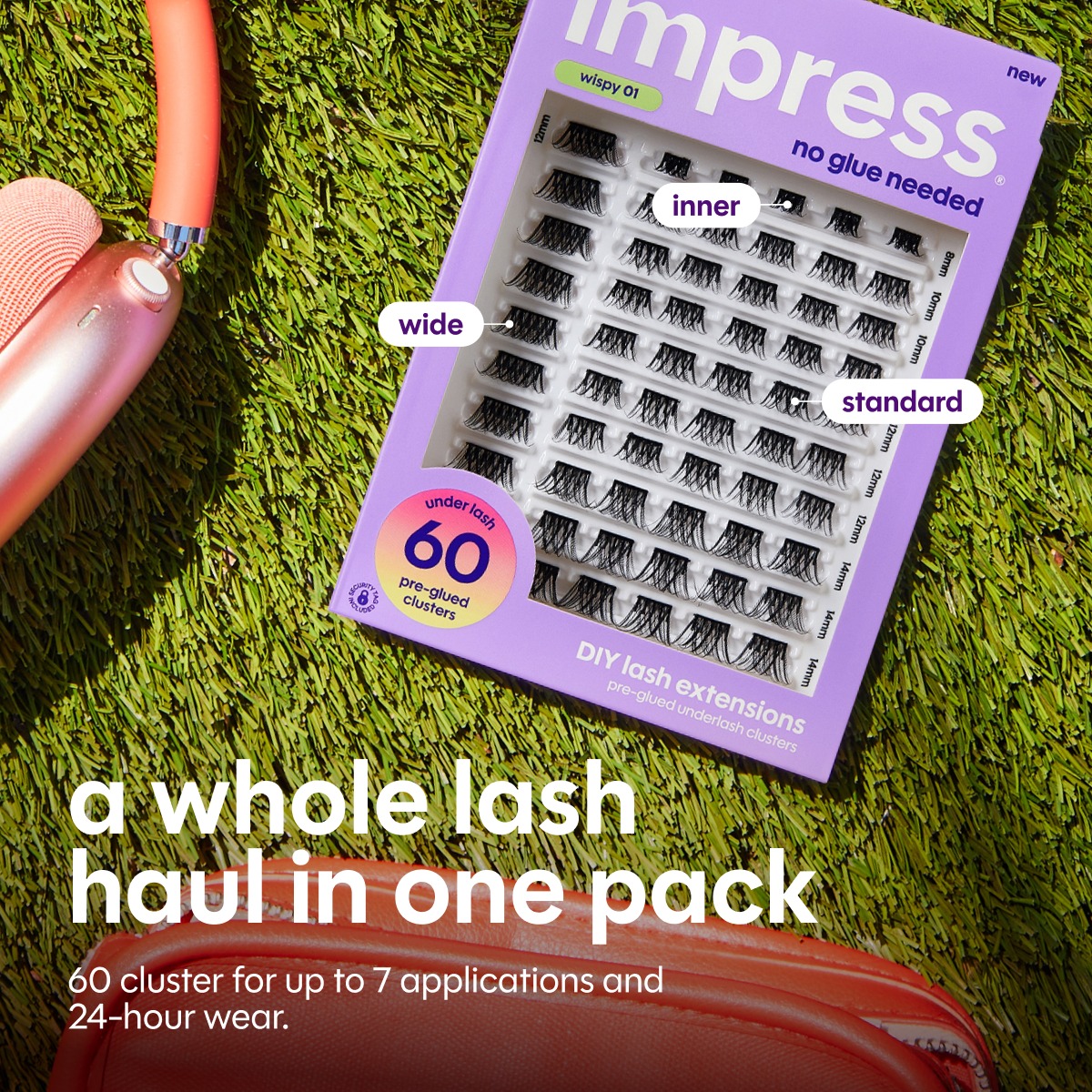
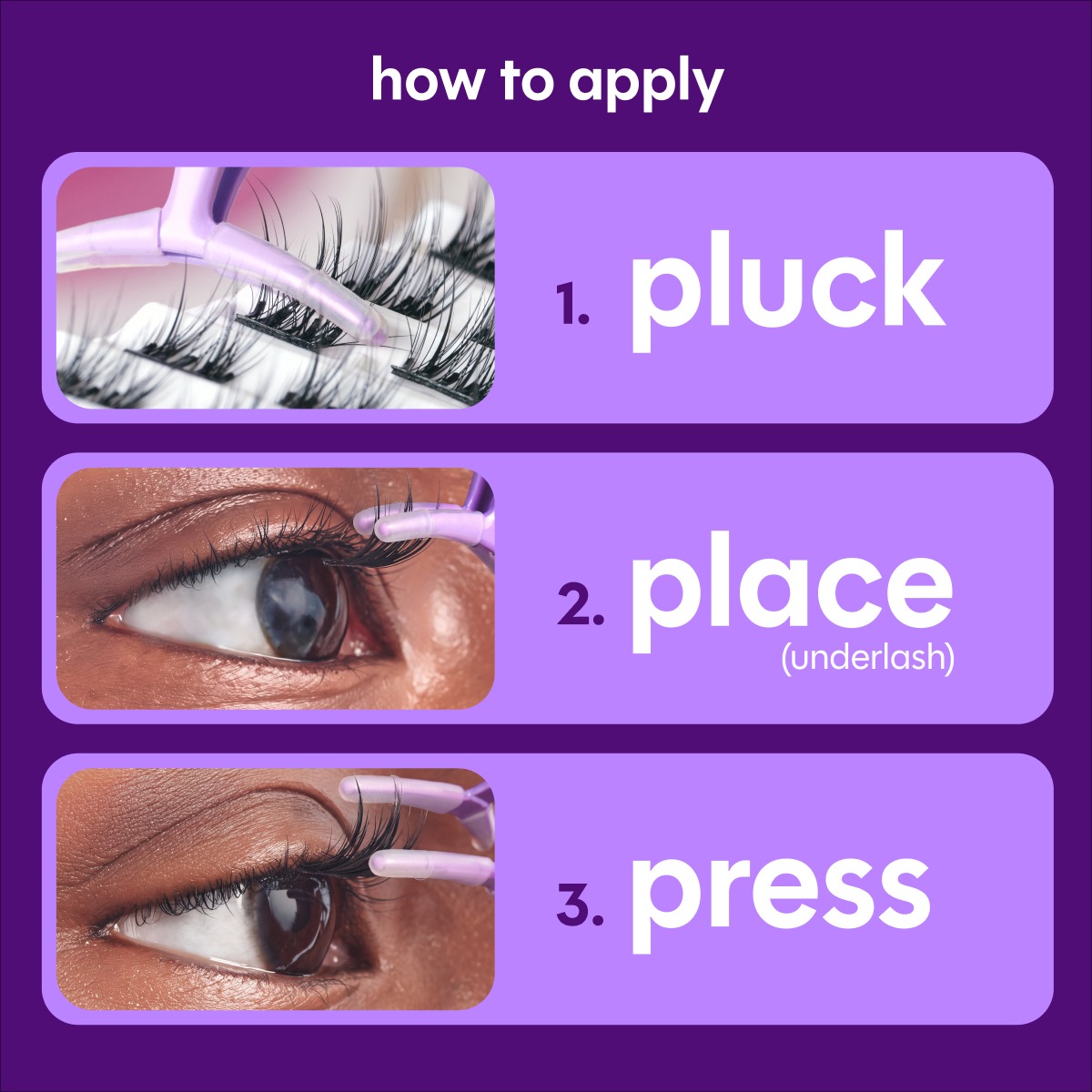
The imPRESS application artwork originated with another designer. My contribution here is its integration into the content sequence and reusable Figma library.
05 / Reuse across campaigns
Change the campaign. Keep the structure.
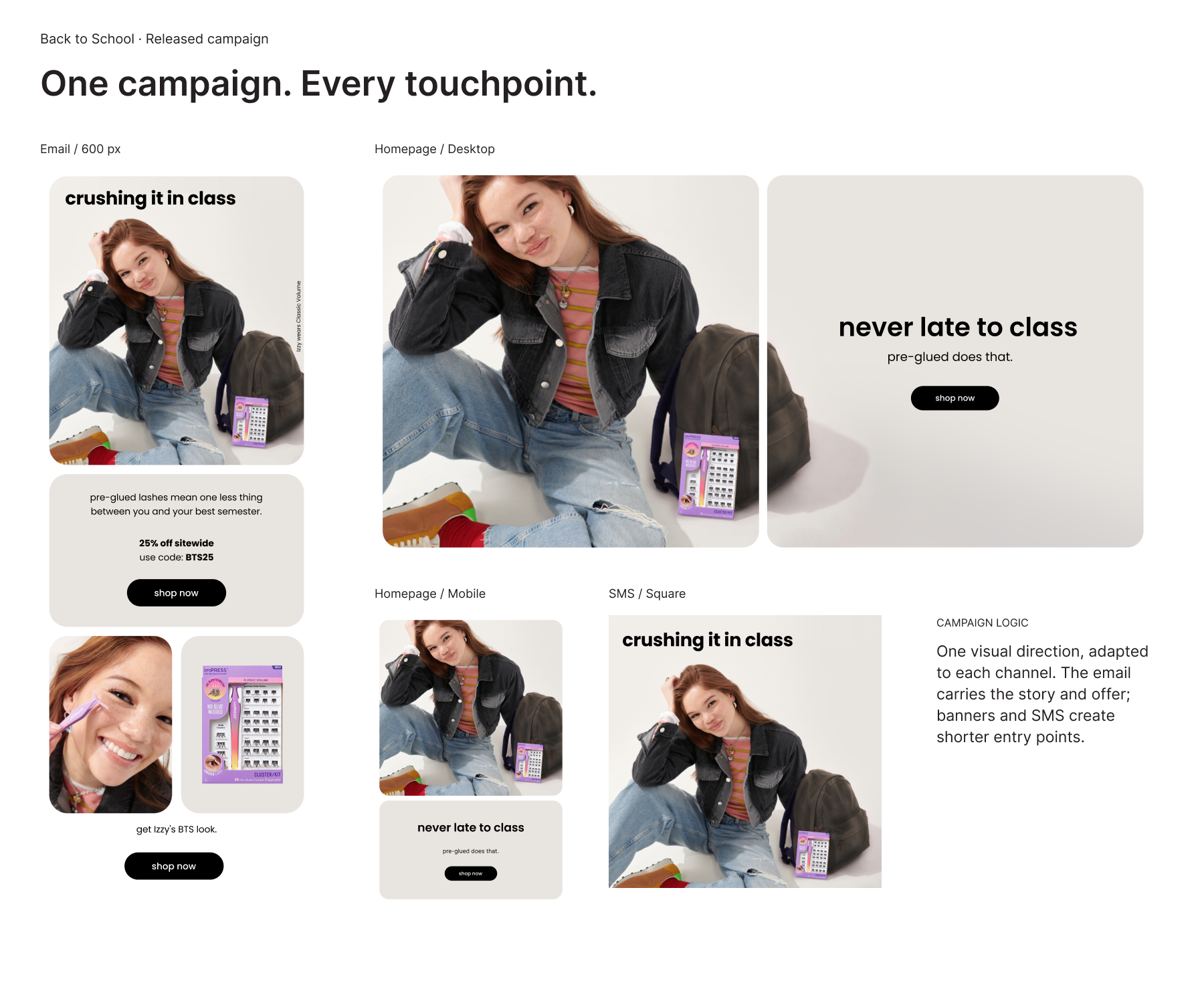
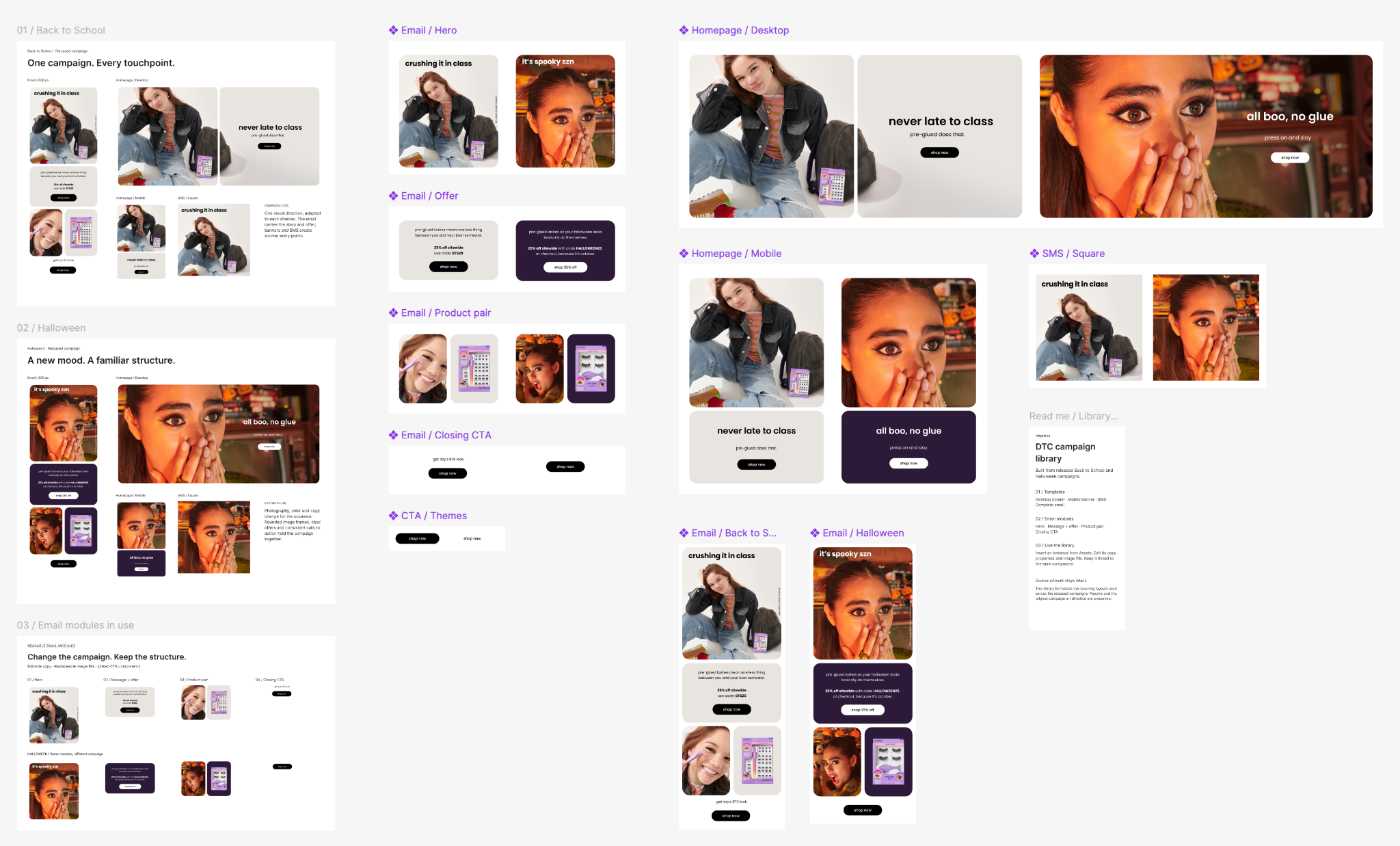
Back to School and Halloween show how the approach extends across channels. The hero establishes the campaign mood; the offer explains the reason to shop; product imagery connects the story to the collection; and the closing CTA gives people a next step. Photography, color and copy change while the recurring modules remain recognizable.